



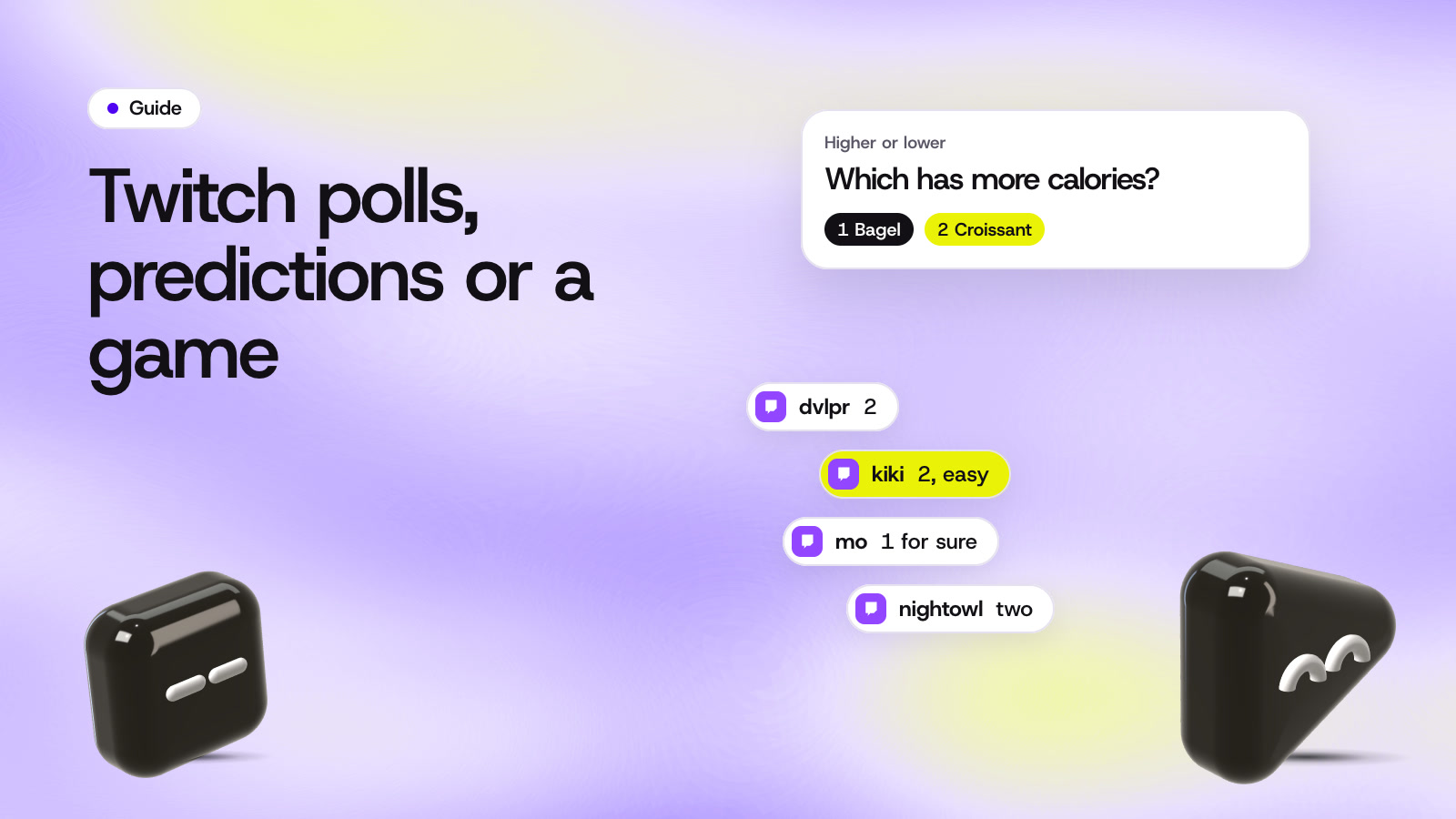
There are four ways to let your Twitch chat play along: Twitch's own Polls and Predictions, an Extension, a chat game you download, or a game that runs on your stream as a browser source. Polls and Predictions are built in but only for Affiliates and Partners. Extensions live inside Twitch, downloads run on your PC, and a browser source game shows up in the stream itself.
If you already know you want a game segment, our Twitch chat games page lists the StreamArena games that work best on Twitch.
Twitch Polls
A Twitch Poll asks chat a question with 2 to 5 options. The title can be up to 60 characters and the options up to 25. You start it from your dashboard, or your moderators can start one with the /poll command.
Polls are only for Affiliates and Partners, so a new channel can't use them yet. A poll is the quickest way to ask "which game next" or "pineapple on pizza, yes or no". It shows in Twitch's player and chat, so it won't appear in a recording or reach viewers watching you on another platform.
Channel Points Predictions
Predictions let viewers bet channel points on how something will turn out, like "will I beat this level on the first try". A prediction takes 2 to 10 outcomes, and the betting window runs from 1 to 30 minutes. If you leave one unresolved for 24 hours, everyone gets their points back.
Predictions are also only for monetized channels. They suit a moment you can't control, like a match or a challenge. For a quiz or a guessing round you'd need a new prediction for every question, which gets slow.
Twitch Extensions
Extensions are small web pages that sit inside Twitch as a panel under your stream, an overlay on top of the video or a component beside it. Viewers click them right in the Twitch player.
Some games use them. Jackbox's Audience Kit lets viewers join a Jackbox game from inside Twitch. Extensions only exist on Twitch, so viewers on YouTube or Kick can't use them, and they don't show in your VODs the way a game on the stream does.
Downloaded games and chat bots
Some games are apps you run on your streaming PC that read your Twitch chat. Marbles on Stream is free on Steam: viewers type !play and race as their own marble. ChatGuessr is a Twitch chat bot for GeoGuessr that lets chat guess locations with you.
They're single games with their own setup, and they keep running on your computer for the whole stream. Twitch's developer docs explain how tools like these read chat.
Browser source games
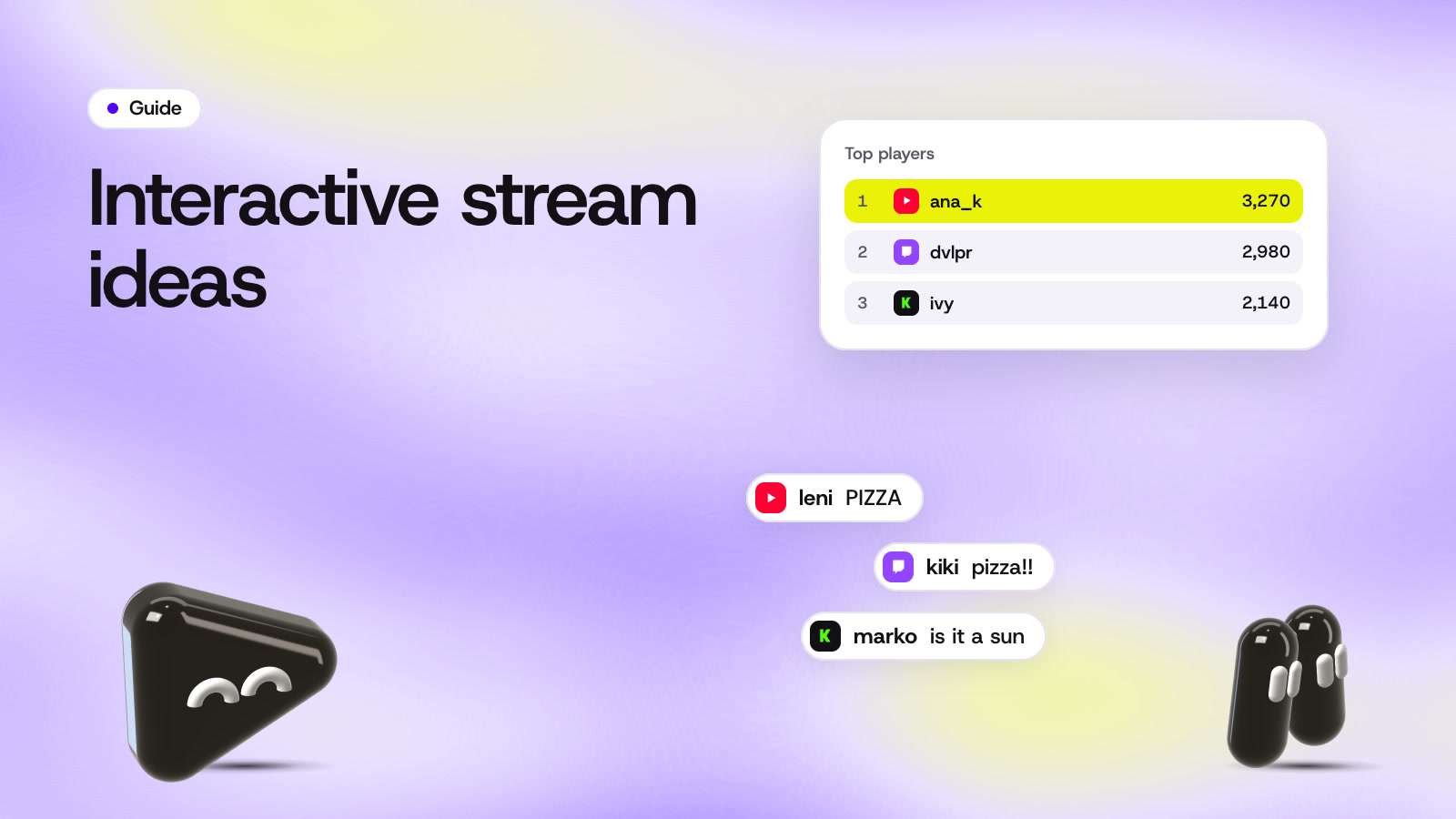
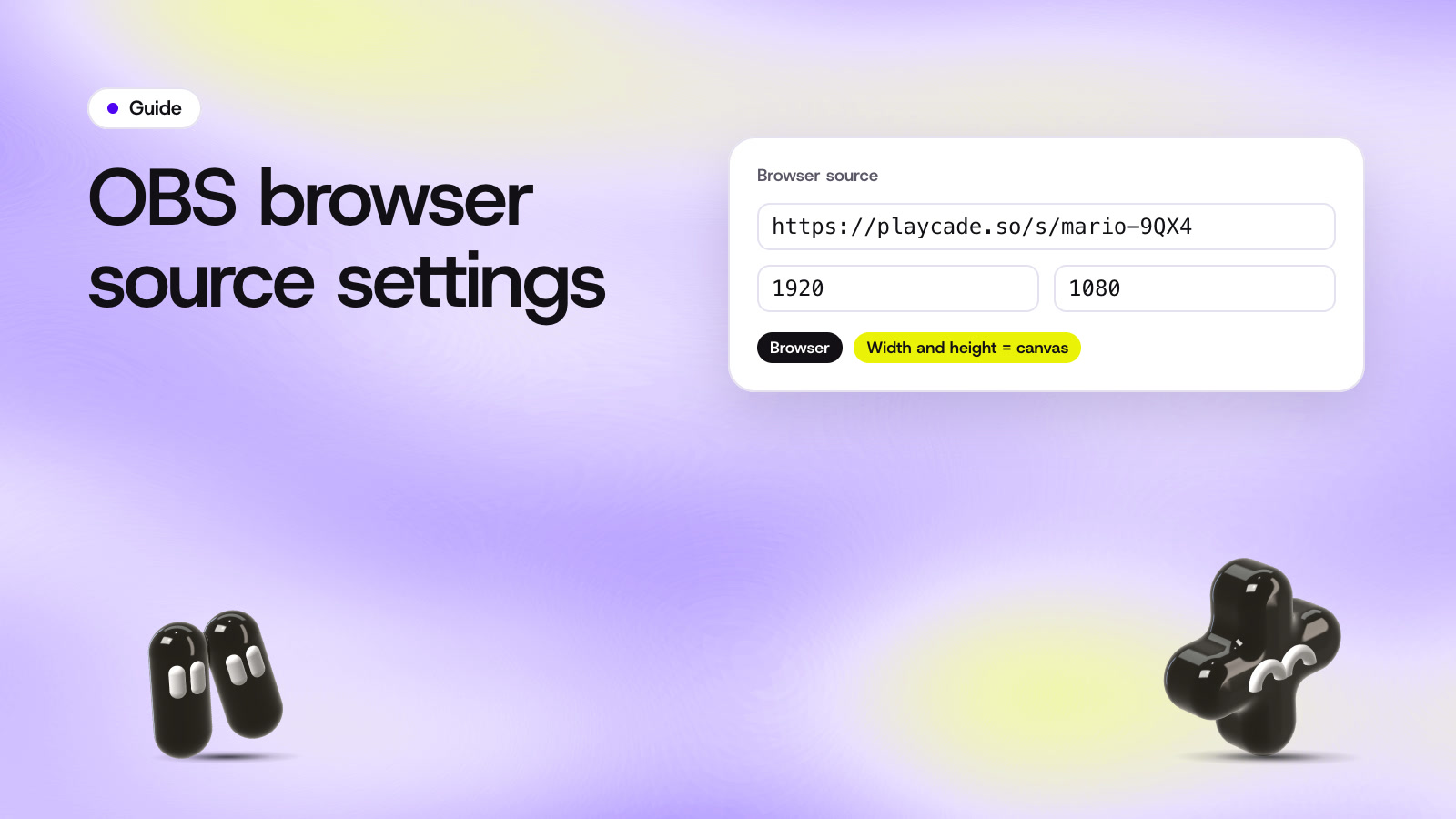
A browser source game is a web page you add to your scene, so the game is part of the stream video. Recordings, clips and viewers on other platforms all see it. StreamArena games work this way, in two modes.
- In OBS, Streamlabs or Meld, viewers scan the code on screen or open a short link and play in their phone's browser. They don't need an app or an account, and embedding a game is free.
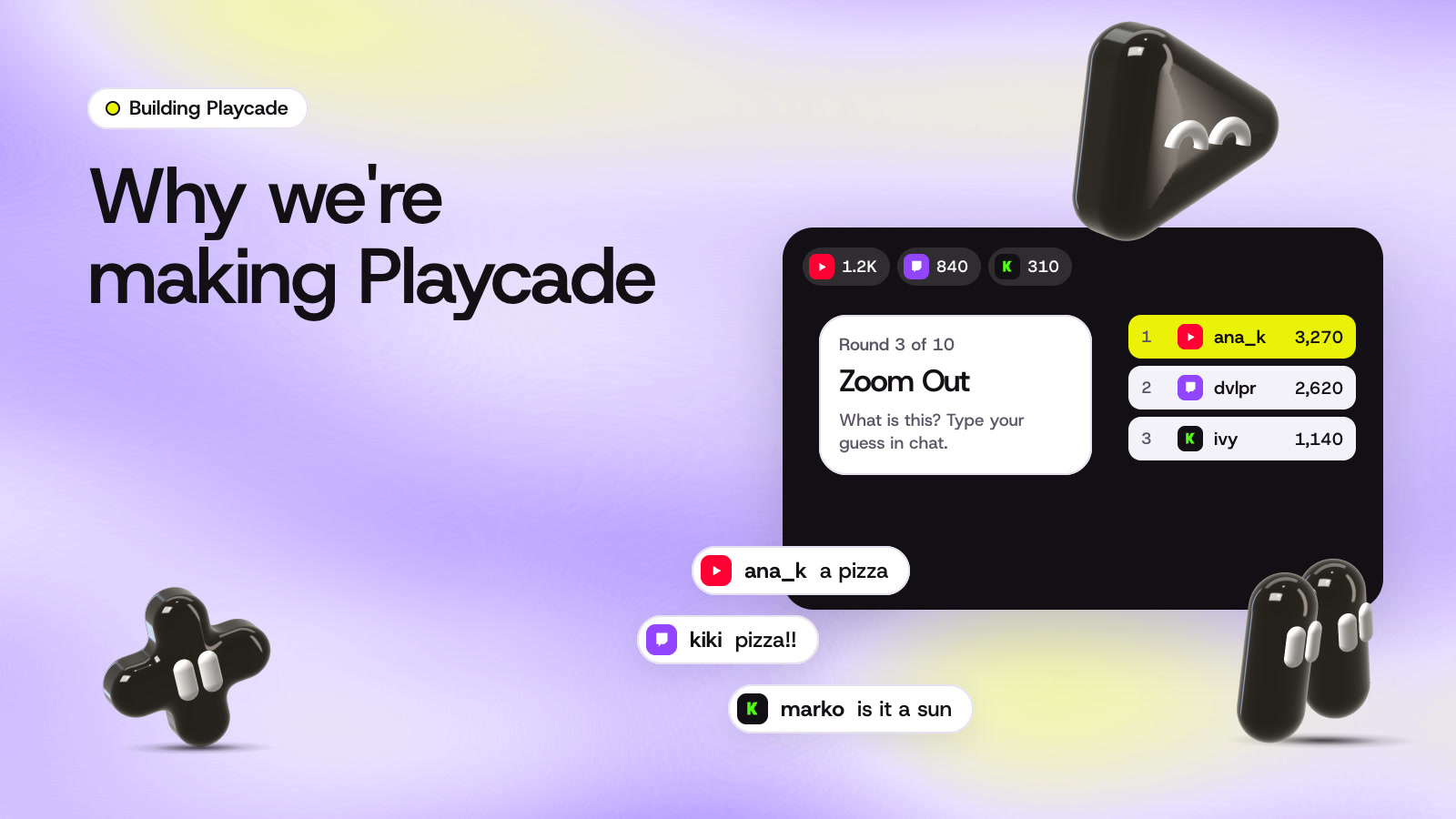
- When you stream through Upstream.so, its Multi-chat feeds Twitch chat into the game, so viewers play by typing. If you multistream, YouTube and Kick chat join the same round.
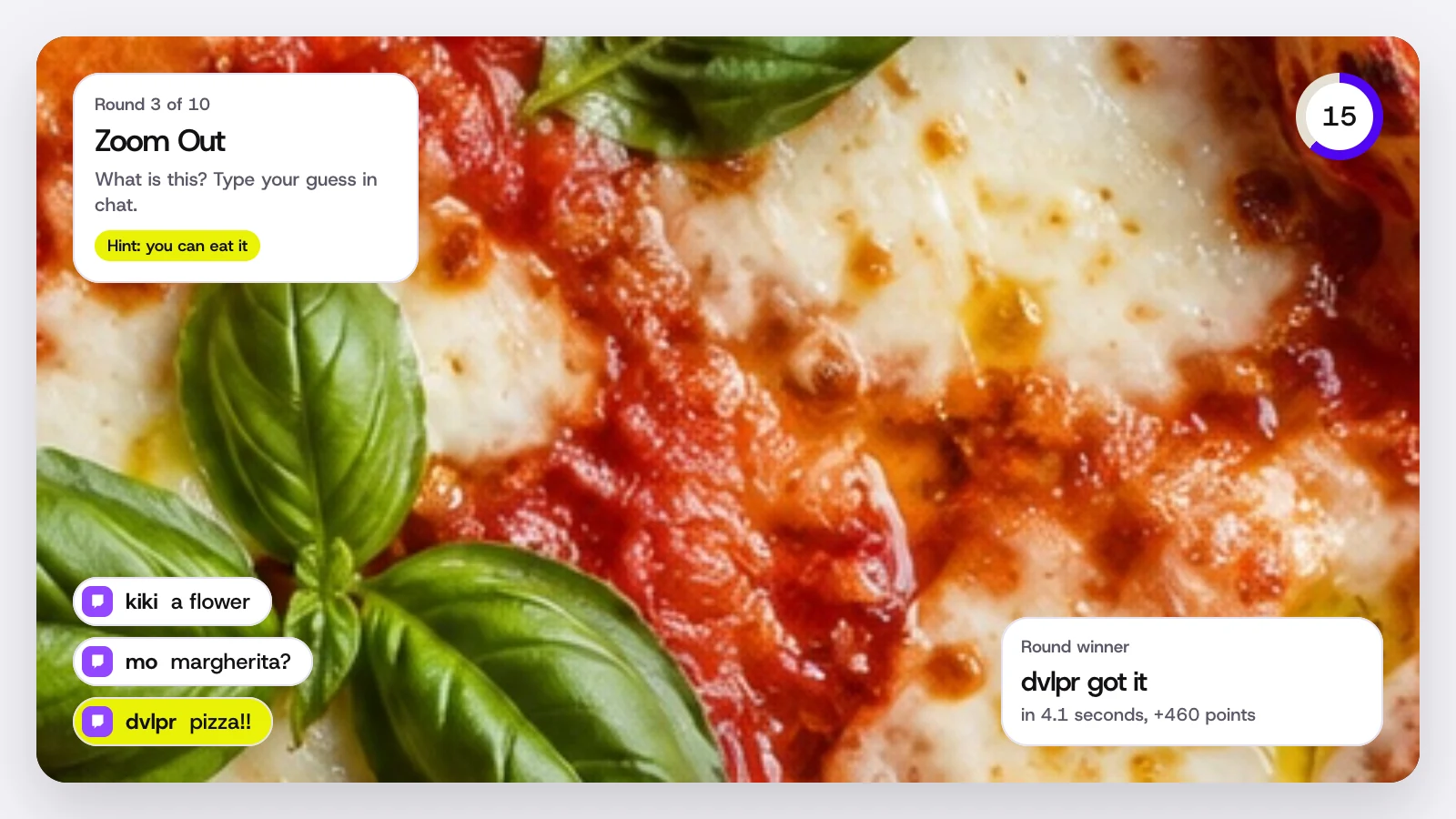
The steps for both modes are in how it works, and the games are in the lineup.
The four ways side by side
| Way to play | Where viewers play | Who can use it | In the stream video |
|---|---|---|---|
| Polls and Predictions | Twitch's player and chat | Affiliates and Partners | No |
| Extensions | A panel or overlay on Twitch | Channels that add one | No |
| Downloaded chat games | Twitch chat, with the game on your PC | Anyone with the game | Yes |
| Browser source games | Phones in OBS, or chat on Upstream.so | Anyone | Yes |
Leave time for stream delay
Whichever way you pick, your viewers see the stream a few seconds after you do. A five second timer can end before half of chat has seen the question. Jackbox has run party games on Twitch for years, and its streaming guide makes the same point.
generally recommend enabling extended timers to compensate for possible stream delays
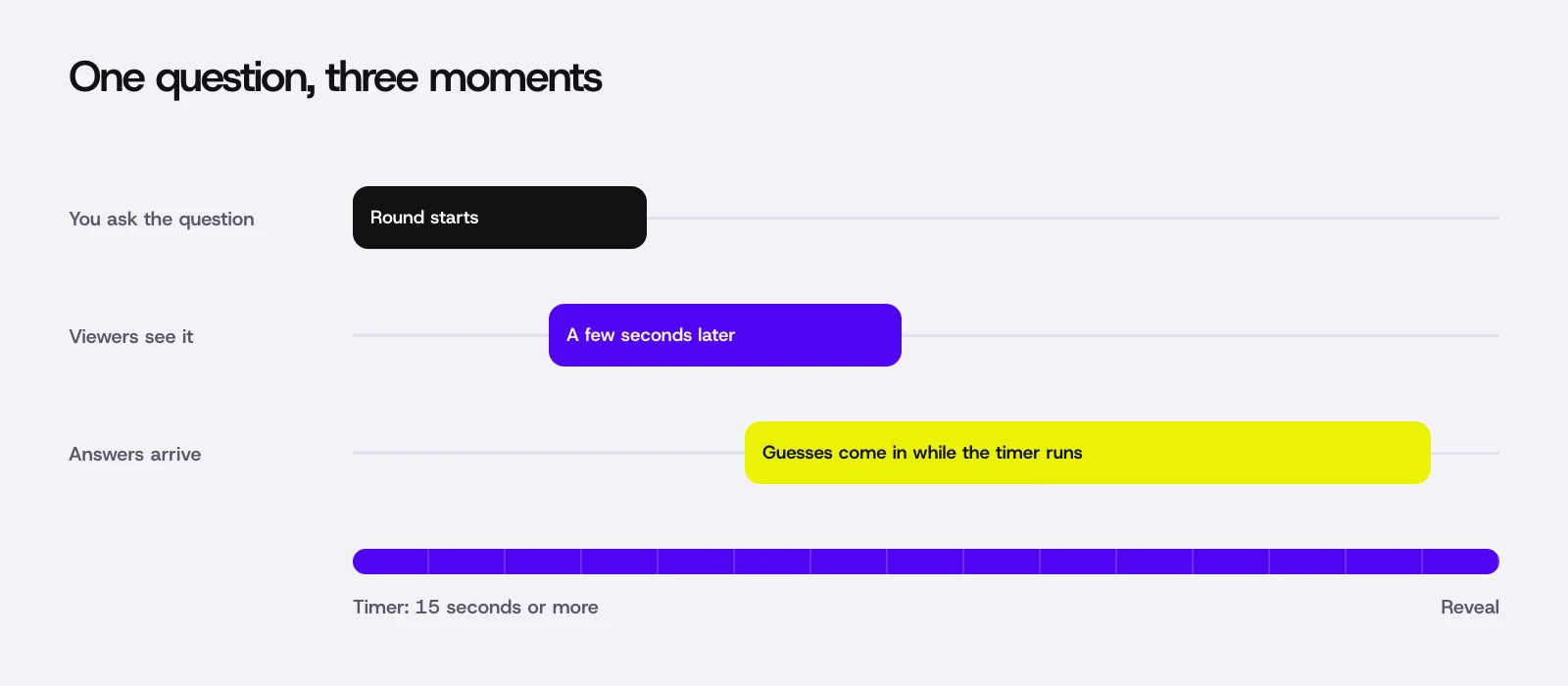
Give a question 15 seconds or more, and keep answers short: a word, a number or a letter is easy to type on a phone. StreamArena scores chat answers by the time they were sent, so a slow chat feed never changes who answered first.
Which one to use
Use a poll when you want one quick vote and you're an Affiliate. Use a prediction for a bet on something you're about to try. Reach for a game when you want a segment with rounds, scores and a winner, and especially when your chat is small or spread across platforms.
If you multistream, Upstream.so multistreaming sends one stream to Twitch, YouTube and Kick together, with up to 10 of 30+ supported platforms at once, and one StreamArena round counts all three chats.
Questions
Can a channel that isn't an Affiliate run polls?
Not Twitch's own Polls or Predictions. Both are only for monetized channels. A browser source game works on any channel, because the game runs on your stream instead of inside Twitch.
Can Twitch chat play a StreamArena game by typing?
Yes, when you stream through Upstream.so. Its Multi-chat brings Twitch, YouTube and Kick chat into the game. In OBS, viewers scan the code on screen and play on their phone instead.
Can viewers play without channel points?
Yes. Channel points only matter for Predictions. Polls, extensions and chat games don't use them.
Sources
- Twitch Help, How to use Polls
- Twitch Help, Channel Points Predictions
- Twitch Developers, Extensions
- Twitch Developers, Chat and EventSub
- Jackbox Games, streaming and moderation features in Party Pack 8
- Jackbox Games, the Jackbox Audience Kit Twitch extension
- Marbles on Stream on Steam
- ChatGuessr on GitHub
Checked on October 14, 2026. Platform features change, so open the page before you rely on a detail.